
Time4Bets Mobile in Canada: iOS Client, Android and Live Play
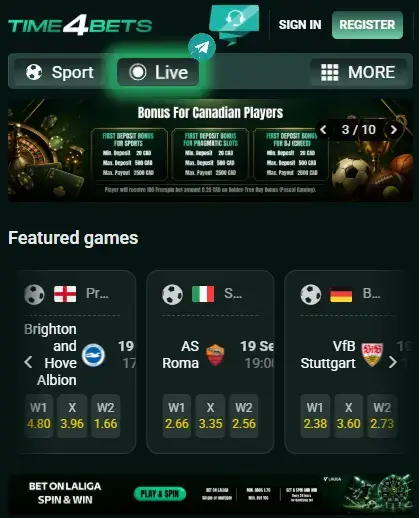
Time4Bets can be opened from a desktop, iPhone or Android phone, but the setup changes with the device. iPhone and iPad users have a confirmed installation route through TestFlight. Android users can open the responsive website in a current browser and add a home-screen shortcut where that option is supported. The browser route also works on iOS when no client is needed.
The account does not split when the screen changes. Balance, betting history, casino activity, verification status, bonuses and transaction records remain attached to the same profile. From a phone, users can reach pre-match and live sports markets, slots, dealer tables, the cashier, account settings and 24/7 live chat. The main practical issue is connection quality. A weak signal may not matter much while browsing a slot list, but it becomes obvious when odds keep moving or a dealer round is already underway.
This guide covers installation, Android access, live play, payments, bonus controls and common faults. The Canadian welcome amounts are stated directly in CAD. Other cashier figures should still be checked in the live account because the method, currency label and available route can vary by profile.
 CLAIM YOUR BONUS NOW
Cashback does not reverse the original loss
CLAIM YOUR BONUS NOW
Putting the Time4Bets iOS Build on an iPhone
The confirmed iPhone and iPad route uses TestFlight, Apple’s tool for distributing test and pre-release builds. TestFlight itself comes from the App Store. The Time4Bets invitation should come from the official platform, not from a forum, file-sharing page or message sent by an unknown account.
Use this order:
- Open the App Store and install TestFlight.
- Return to the official Time4Bets mobile page.
- Tap the current Download Time4Bets invitation.
- Open the invitation in TestFlight.
- Select Install and wait for the client to appear.
- Launch it and sign in with the existing email or username and password.
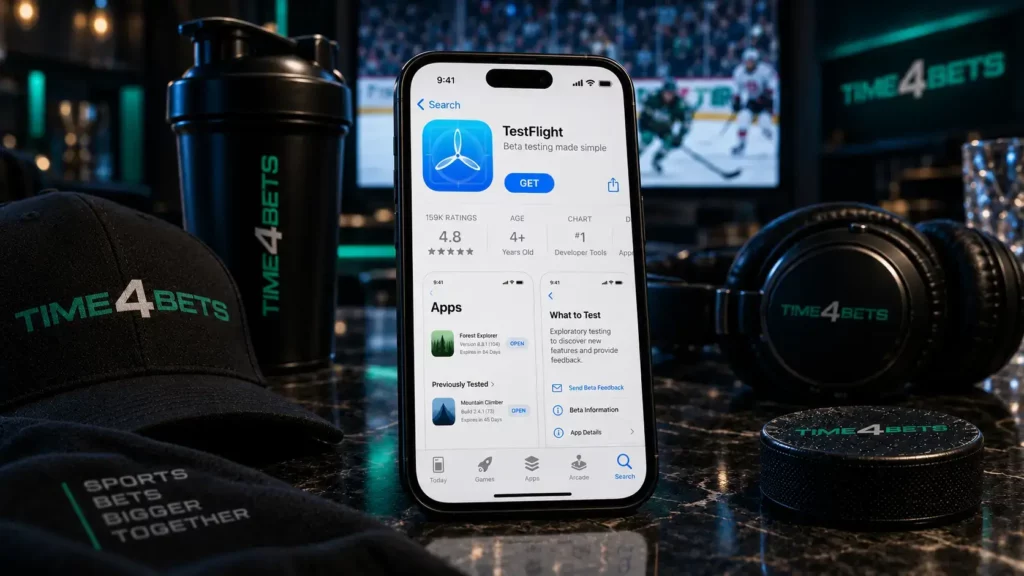
Before downloading, check free storage, update iOS and use a stable connection. An older invitation may stop working after the build changes, so reopening the current link is better than trying the same expired one repeatedly.
The first launch should show the same balance and history as desktop access. When optional two-factor authentication is enabled, enter the current code. Notifications and other permissions can be adjusted later in iOS settings. The phrase Time4bets app download may help someone find a guide, but it does not confirm that a link is genuine. A copied logo proves very little.
Time4Bets on Android Without an Install File
Android access is simpler because no separate installation package is confirmed. Open the official platform in Chrome or another current browser, sign in and wait for the responsive lobby to load. Where the browser offers Add to Home screen, save the shortcut. The new icon provides one-tap access while still opening the web version.
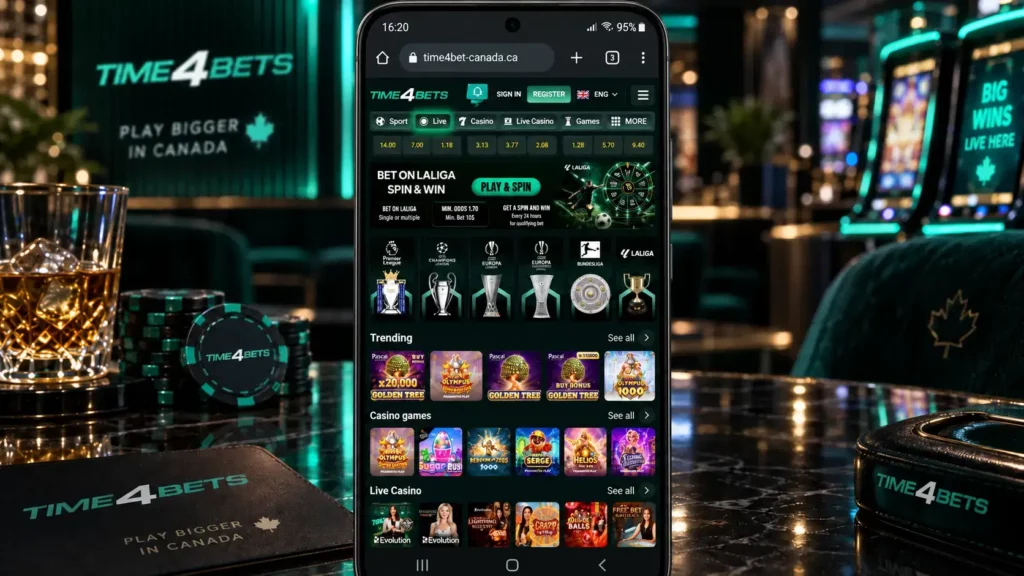
That distinction matters. A shortcut is not a native Android client, and it does not occupy the same storage as a full application. Updates arrive from the platform side, so there is no replacement file to download after every interface change.
For a steadier session, keep the browser current and allow the cookies needed to maintain login. Aggressive data-saving modes can delay live price updates or reduce video quality at dealer tables. Portrait mode suits menus, account settings and the cashier; landscape is often easier for a wide live table.
A Time4bet app download search should not end at a shared drive or software catalogue. Be cautious with anything labelled Time4bets apk. The confirmed Android route does not require an unknown package, and disabling device protection to install one creates a problem that browser access already avoids.
Time4Bets Live Betting on a Small Screen
Live sections expose weak connections quickly. Sports prices recalculate throughout the event, and the bet slip checks the current value when the user confirms. A market may close during a dangerous attack, score review or another fast moment, then reopen at a different price. That is normal behaviour, not necessarily a fault in the mobile interface.
Dealer tables create another load because the video stream continues while the betting window opens and closes. On a poor connection, the picture may drop in quality or pause locally even though the studio round continues. Stable Wi-Fi or a strong mobile signal is the safer choice for a longer session.
A practical routine helps:
- Close background downloads and unused apps before live play.
- Avoid changing between Wi-Fi and mobile data during a bet or dealer decision.
- Confirm the final odds before accepting a live ticket.
- Check betting or game history after an interruption.
- Do not repeat an action until the account record is clear.
An accepted sports ticket remains valid after the connection drops. An unconfirmed selection is not a bet merely because it was visible in the slip. The same rule applies to payments: history decides whether the action reached the account. Cashout and Early Payout can appear on mobile where the qualifying market or feature is available, but the phone does not widen their rules. The 100% Cashout Feature applies only to an eligible pre-match bet while its odds remain unchanged. Early Payout belongs to the separate pre-match Match Result market and settles after the selected team takes a two-goal lead.
Bonuses, Cashier and Account Settings from the Phone
The mobile bonus area supports the Canadian welcome programme. At every stage, the player chooses one route: eligible Pragmatic Play Slots, eligible CreedRoomz live Blackjack or Sports. Only one route applies to the deposit, and the selection should be made before funding.
| Stage | Minimum deposit | Bonus | Golden Tree gift | Maximum payout |
| First | C$20 | 100% up to C$500 | 100 spins at C$0.20 | C$2,500 |
| Second | C$50 | 100% up to C$500 | 150 spins at C$0.20 | C$2,500 |
| Third | C$75 | 100% up to C$500 | 150 spins at C$0.20 | C$2,500 |

Across all three stages, the package can reach C$1,500 in matched funds and 400 Golden Tree Buy Bonus spins with a listed nominal value of C$80. Blackjack and Sports require verification. The Canadian summary does not publish wagering multipliers, Sports ticket rules, expiry or spin-conversion conditions, so those points belong in the live terms, not in an international template copied across markets.
The mobile cashier supports Visa, Mastercard, Apple Pay and supported crypto for deposits. Confirmed payout routes are cards, bank transfer and crypto; Apple Pay is not listed for withdrawals. Card payouts range from C$29 to C$14,200, bank transfer from C$142 to C$142,000 per day, and crypto from C$29 to C$284,000 per transaction. Availability still depends on the live cashier.
From account settings, users can change the password, enable optional 2FA, review KYC notices, upload requested documents where mobile submission is offered and switch the interface language. The Time4bet app route uses the same support desk as desktop access. No second account is needed.
When the Time4Bets Client Misfires
Most mobile faults fit a small number of patterns. Start with the connection and device before changing account details.
- TestFlight invitation will not open: confirm that TestFlight is installed, then reopen the current official invitation.
- Client closes after launch: restart the phone, check free storage and update iOS or TestFlight.
- Login is rejected: review the email or username, keyboard layout, saved password and two-factor code.
- Live table freezes: move to a stable network, close background traffic and reopen the lobby.
- Payment is missing: check transaction history and wait for the current operation to finish before trying again.
- Browser layout breaks: update the browser, clear its cache and reload the official page.
A payment screen that freezes does not prove that nothing happened. Reopen the account and inspect history. Repeating a recorded deposit or payout can create another pending item, which is rarely the intended fix.
When support is needed, include the device model, operating-system version, approximate time and a redacted screenshot. For payments, add the transaction reference and method. Never send a password, full card number, seed phrase or two-factor code. A blocked profile should be handled through live chat, not through a duplicate account. Duplicate profiles usually create more verification questions, not fewer.
What Canadians Ask About Time4Bets on a Phone
TestFlight is Apple’s official distribution tool for this build. Install it from the App Store, then open the current Time4Bets invitation from the official platform.
No confirmed file is required. The responsive website works in a current browser and can be saved as a home-screen shortcut.
The same account provides the sportsbook, casino, cashier, bonuses, KYC area and support. Screen arrangement changes, not the account record.
Yes, where the current event or table is offered. Stable connectivity matters because odds and streamed rounds keep moving.
An accepted ticket remains in betting history. An unconfirmed slip does not count, so check the record before repeating the action.
It can appear where the eligible pre-match feature is available and the odds remain unchanged. It is not guaranteed for every bet.
Yes. The cashier uses the same account routes and limits as desktop access, subject to KYC and method availability.
No fixed figure is confirmed. Video tables generally consume far more data than sportsbook pages or ordinary slot menus.
Open account security settings and follow the displayed setup. Store any recovery information privately.
Use 24/7 live chat with the device details, time and a redacted screenshot. Payment questions should also include the transaction reference.
Gambling involves financial risk. Set a fixed budget, avoid borrowed money and never chase losses. Stop when play no longer feels recreational, and check the minimum age and online-gambling rules in your Canadian province or territory.